Pro markPro

How Pro works

One connected practice lifecycle.

Move from the first enquiry to client context, preparation, delivery, and follow-up while keeping every generated suggestion subject to your professional review.
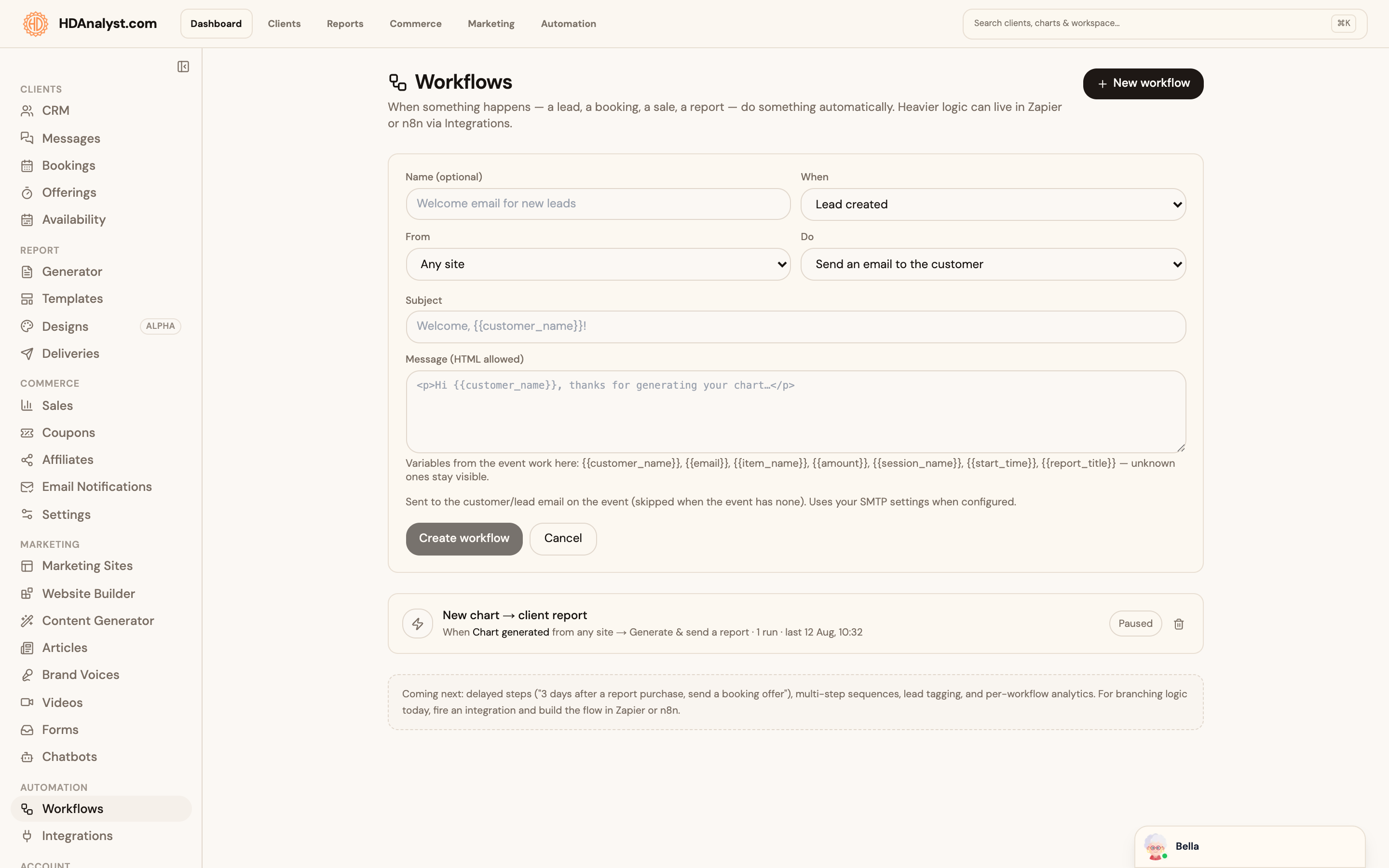
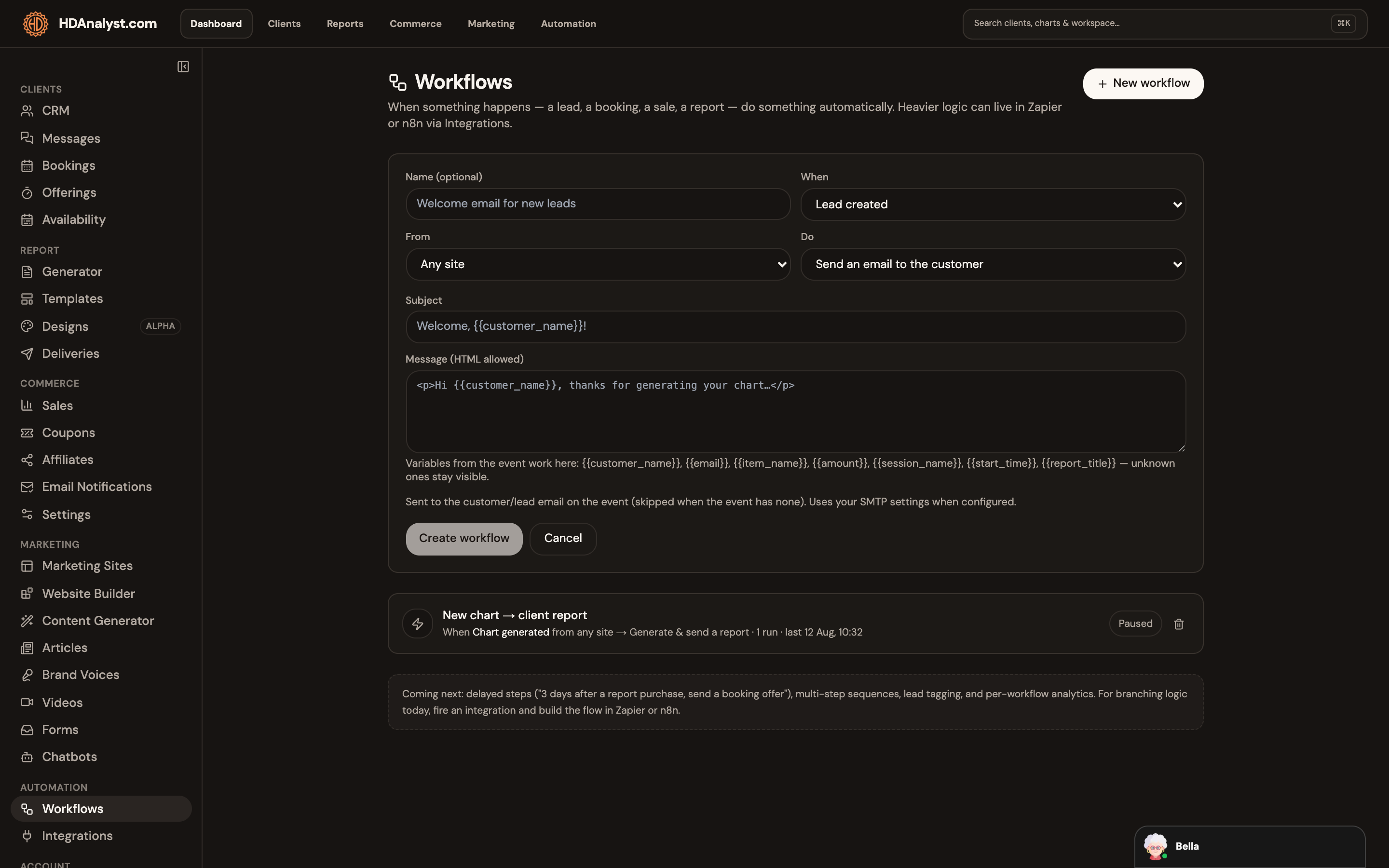
Pro workflow automation
Workflow automationPowered by HumanDesign.ai

Attract

Create a connected front door.

Build the site, chart capture and enquiry path that feed your workspace. Website Builder is Beta.
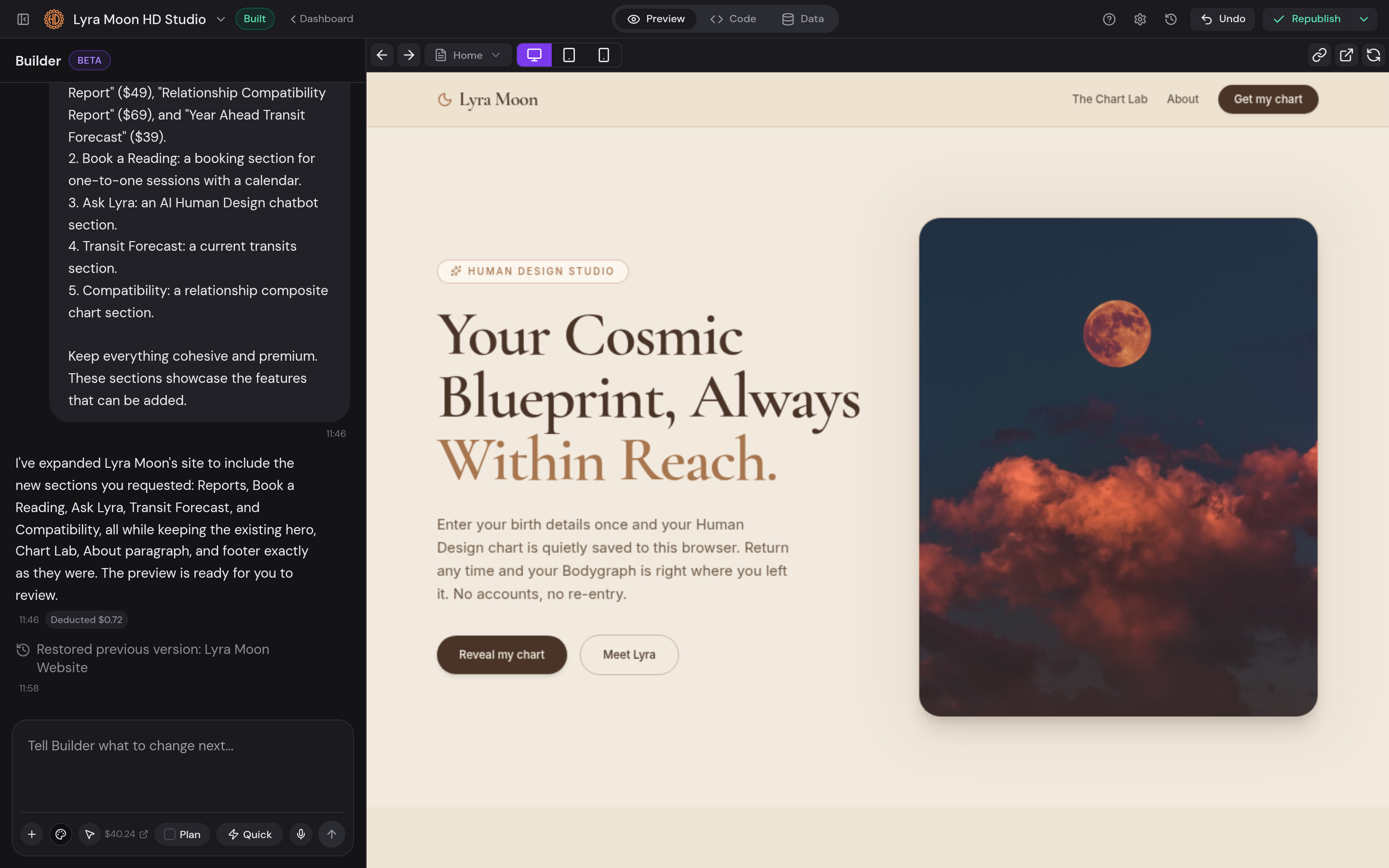
  • Conversational website editing
  • Connected forms and bookings
  • Beta status shown before use
Open the dedicated feature page
Pro Website Builder with conversational editing and live preview
Website Builder · BetaPowered by HumanDesign.ai

Client context

Start from the saved chart.

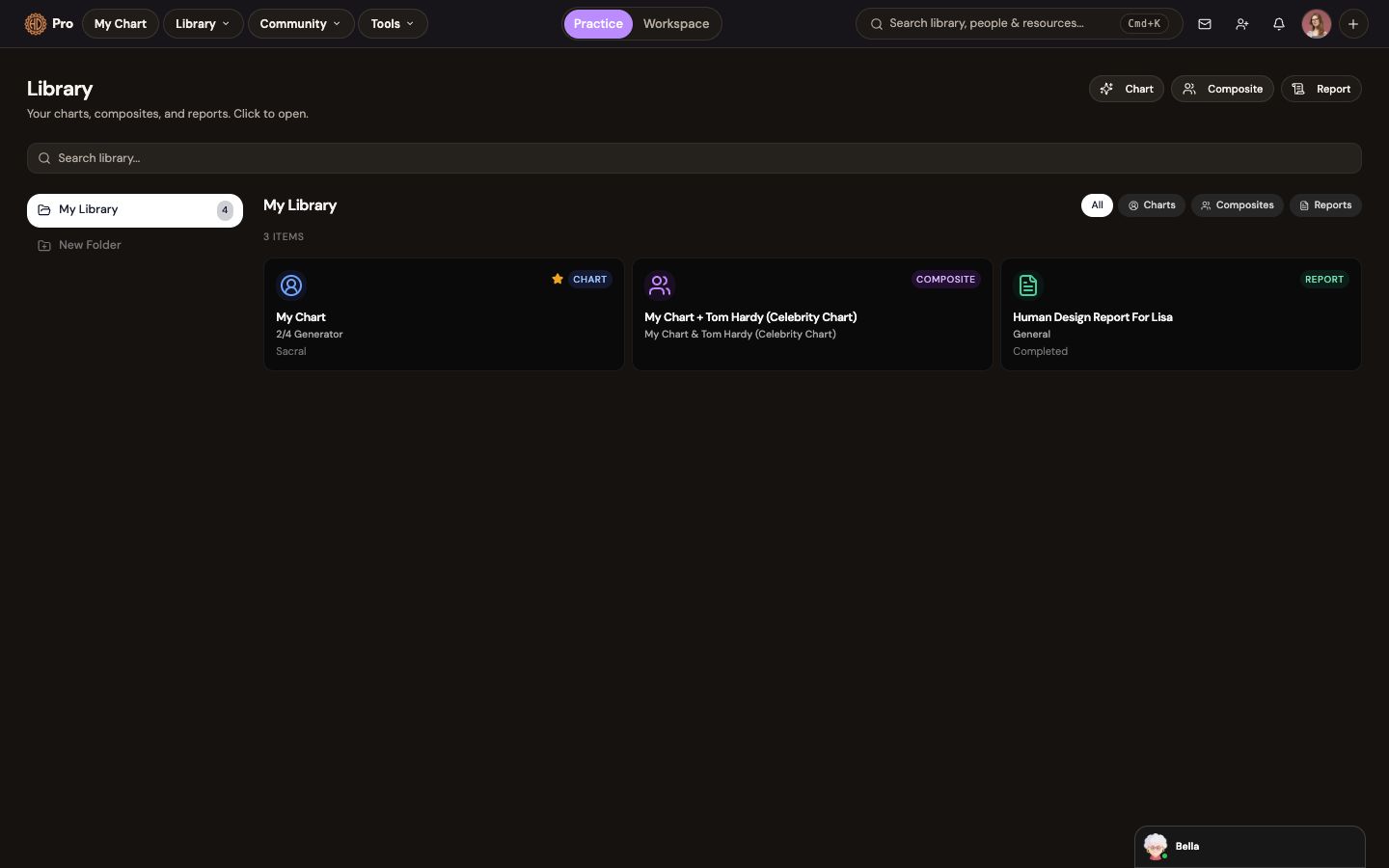
Create or open the client chart once, then reuse it in composites, Bella and reports.
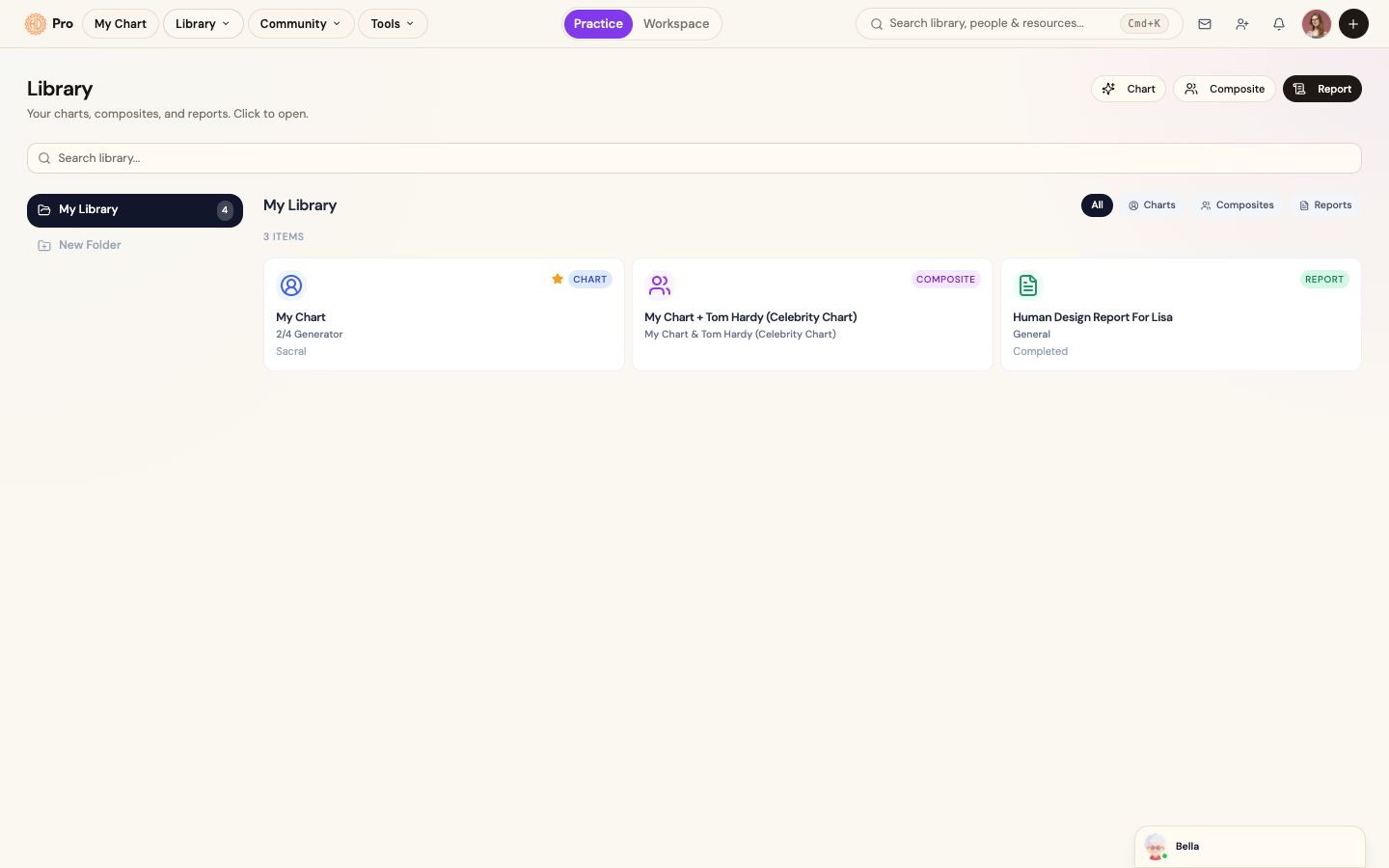
  • Saved client chart
  • Chart, composite, and report library
  • Appropriate birth-data permission remains your responsibility
Open the dedicated feature page
Saved client charts, composites and reports in the Pro library
Client chart libraryPowered by HumanDesign.ai

Professional preparation

Ask Bella a focused question.

Ask about the real client situation with the selected chart kept in view, then review the response through your method.
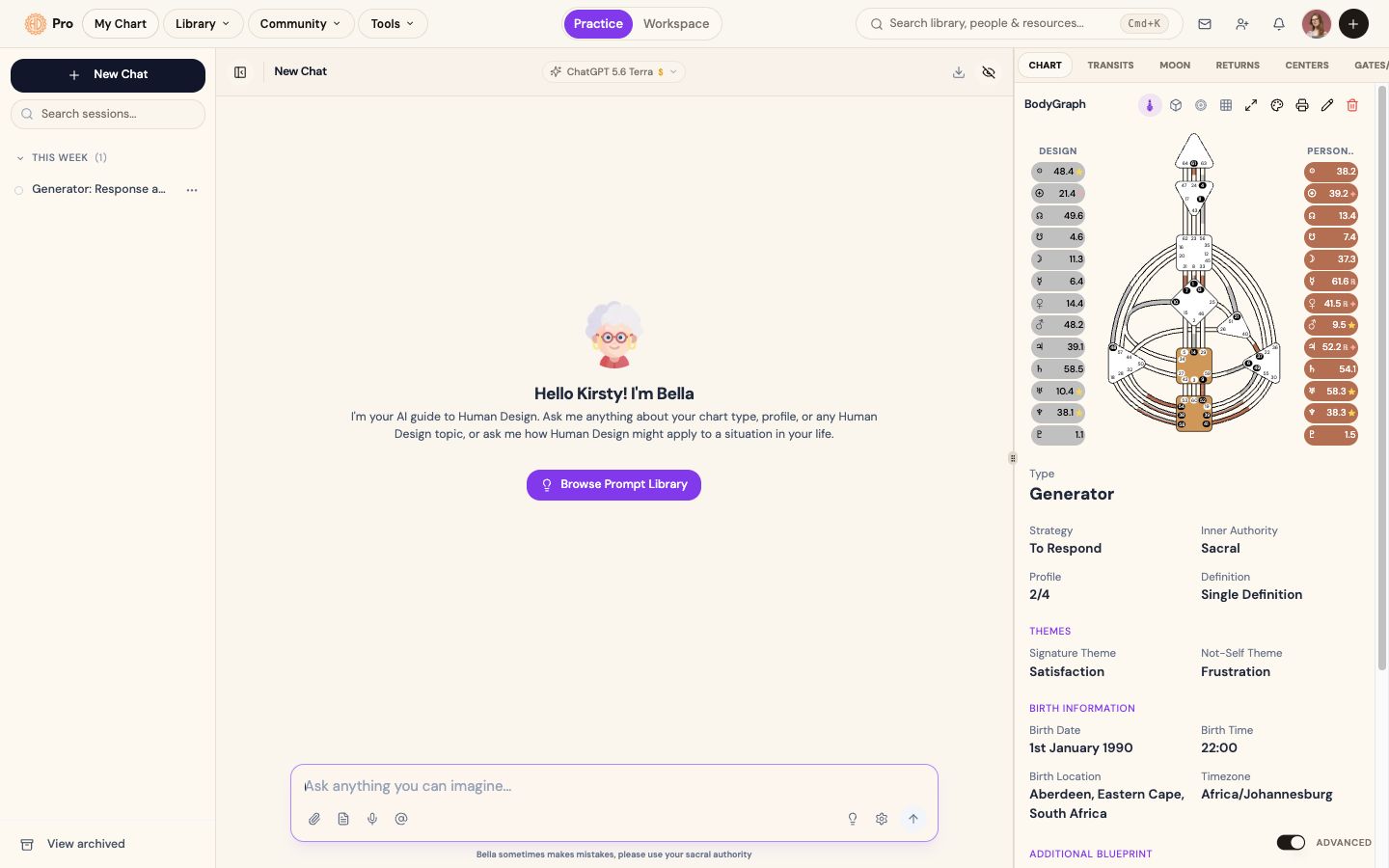
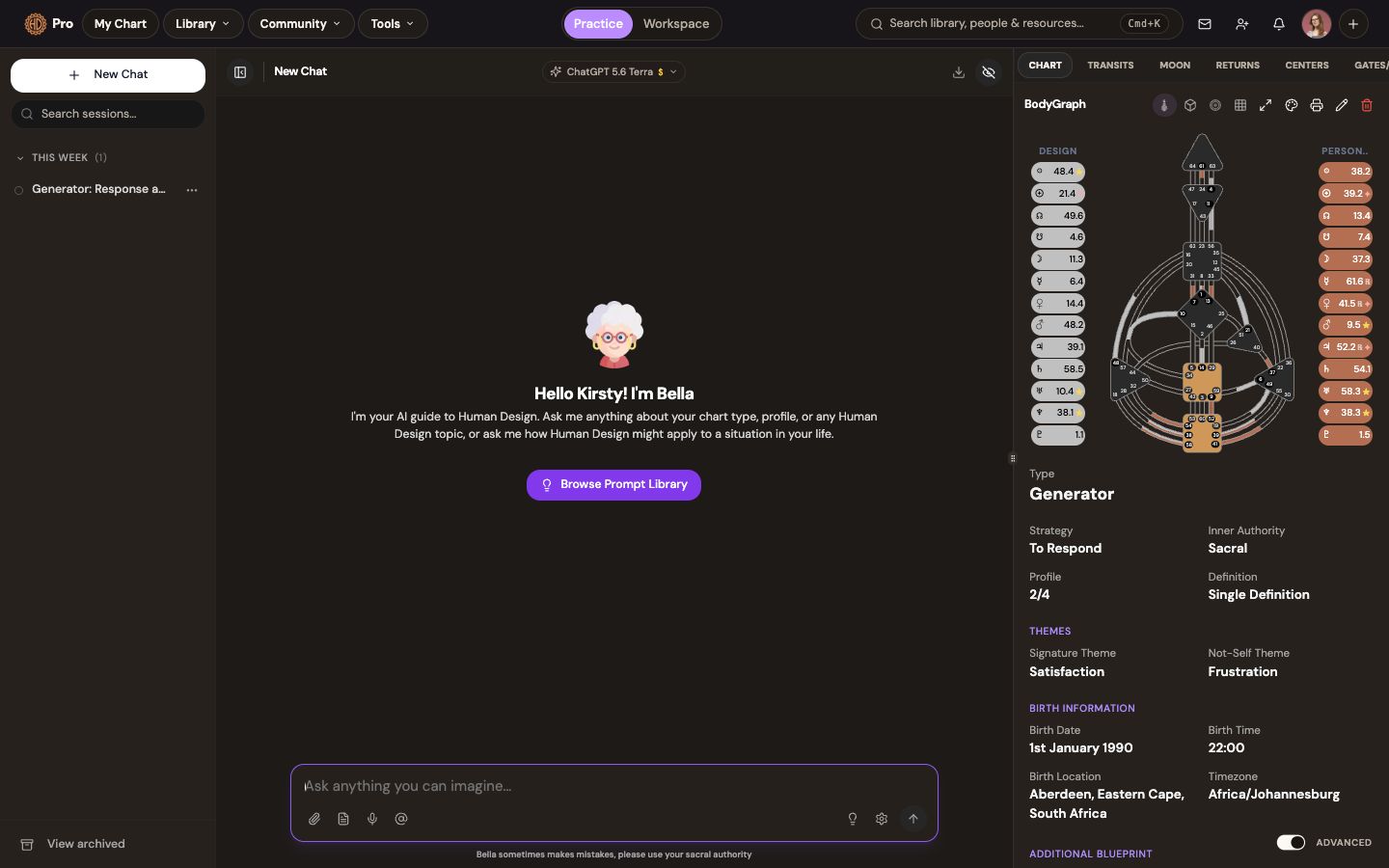
  • Question grounded in selected chart context
  • Conversation saved for later reference
  • Professional judgment stays with you
Open the dedicated feature page
Bella analysis beside selected Human Design chart context
Bella-assisted preparationPowered by HumanDesign.ai

Editable delivery

Build and review the report.

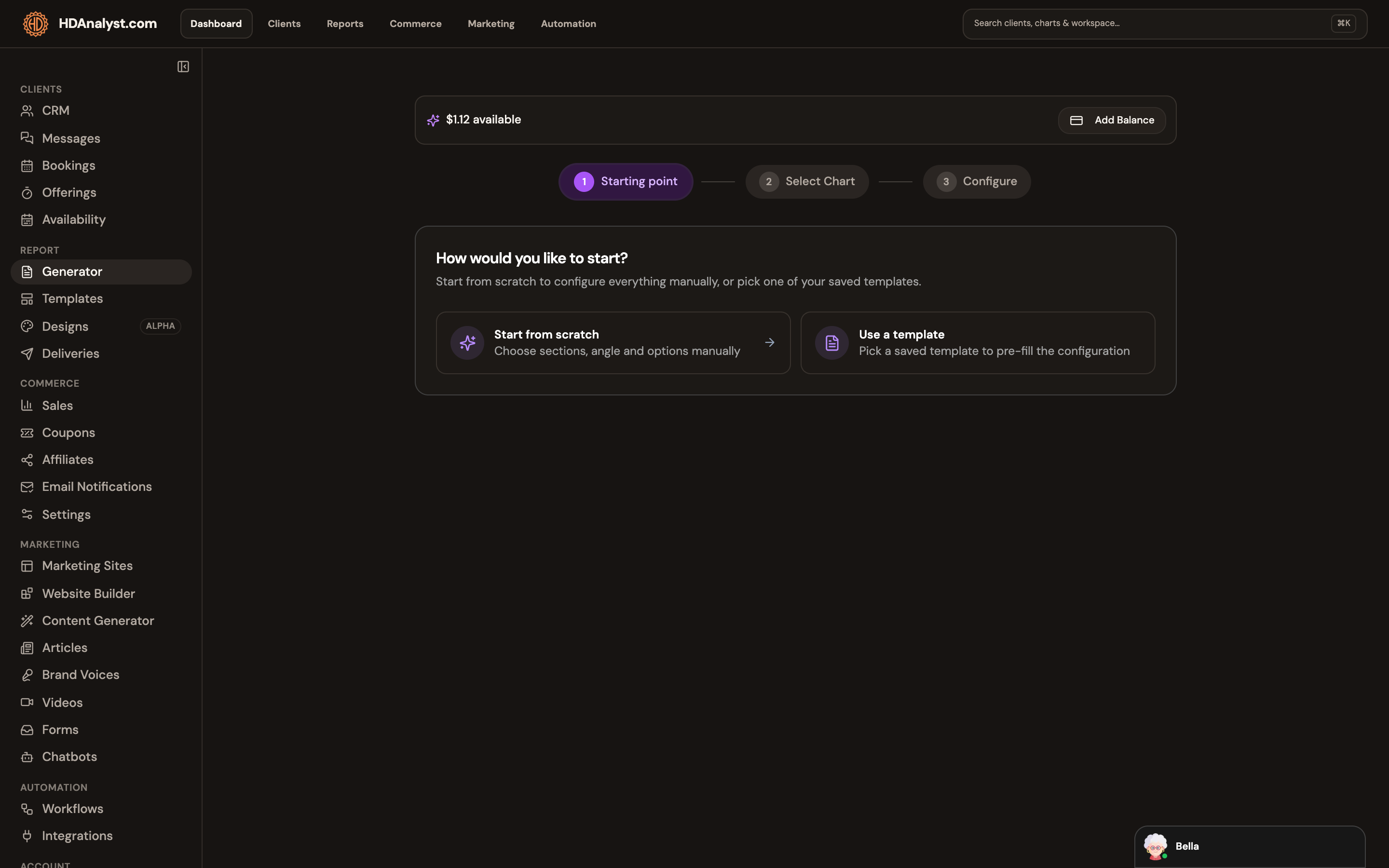
Choose the chart and structure, generate an editable first draft, then review it before export.
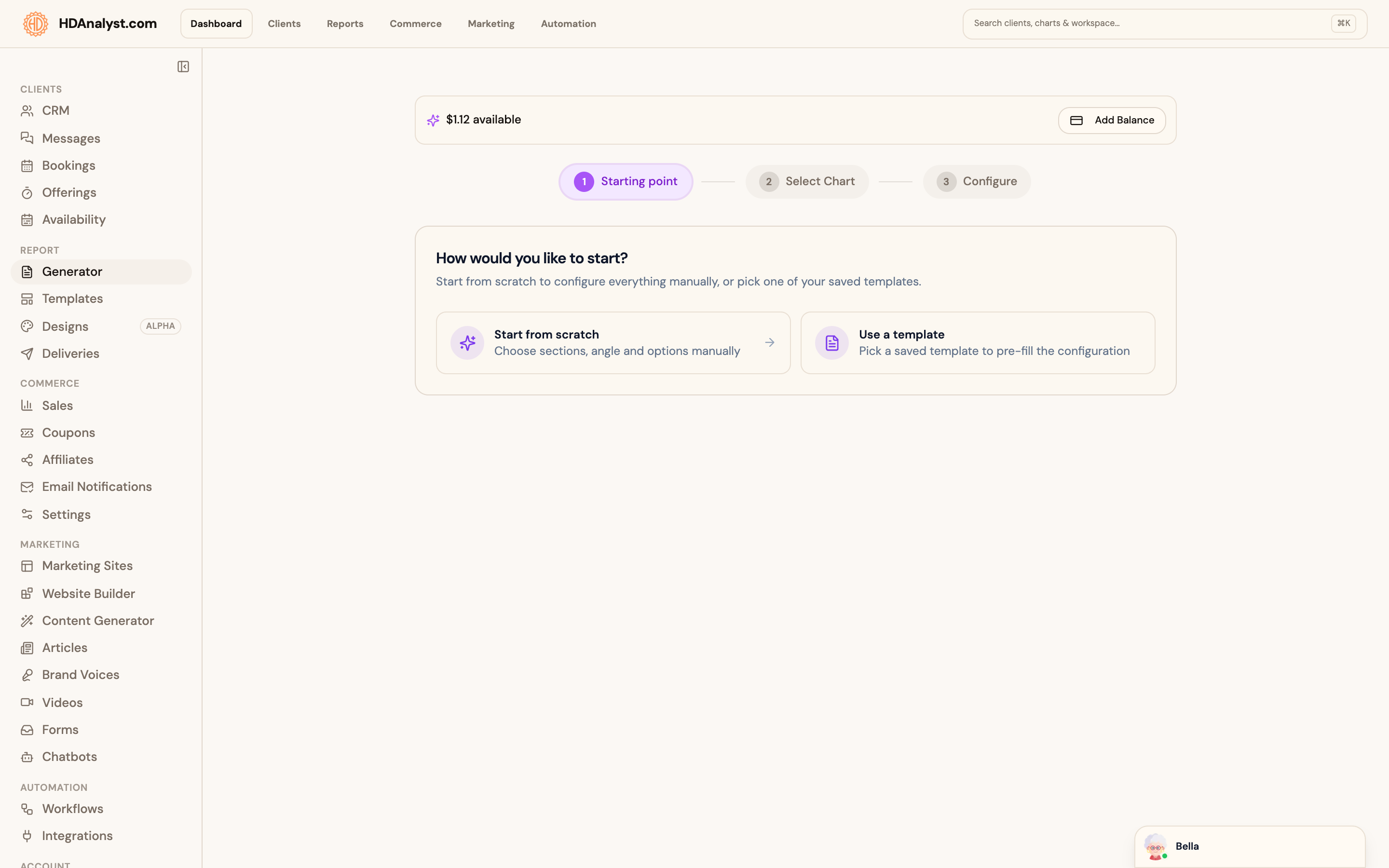
  • Start from scratch or a saved template
  • Editable generated draft
  • Export only after professional review
Open the dedicated feature page
Pro professional report generator
Report GeneratorPowered by HumanDesign.ai

Operate and grow

Continue the client relationship.

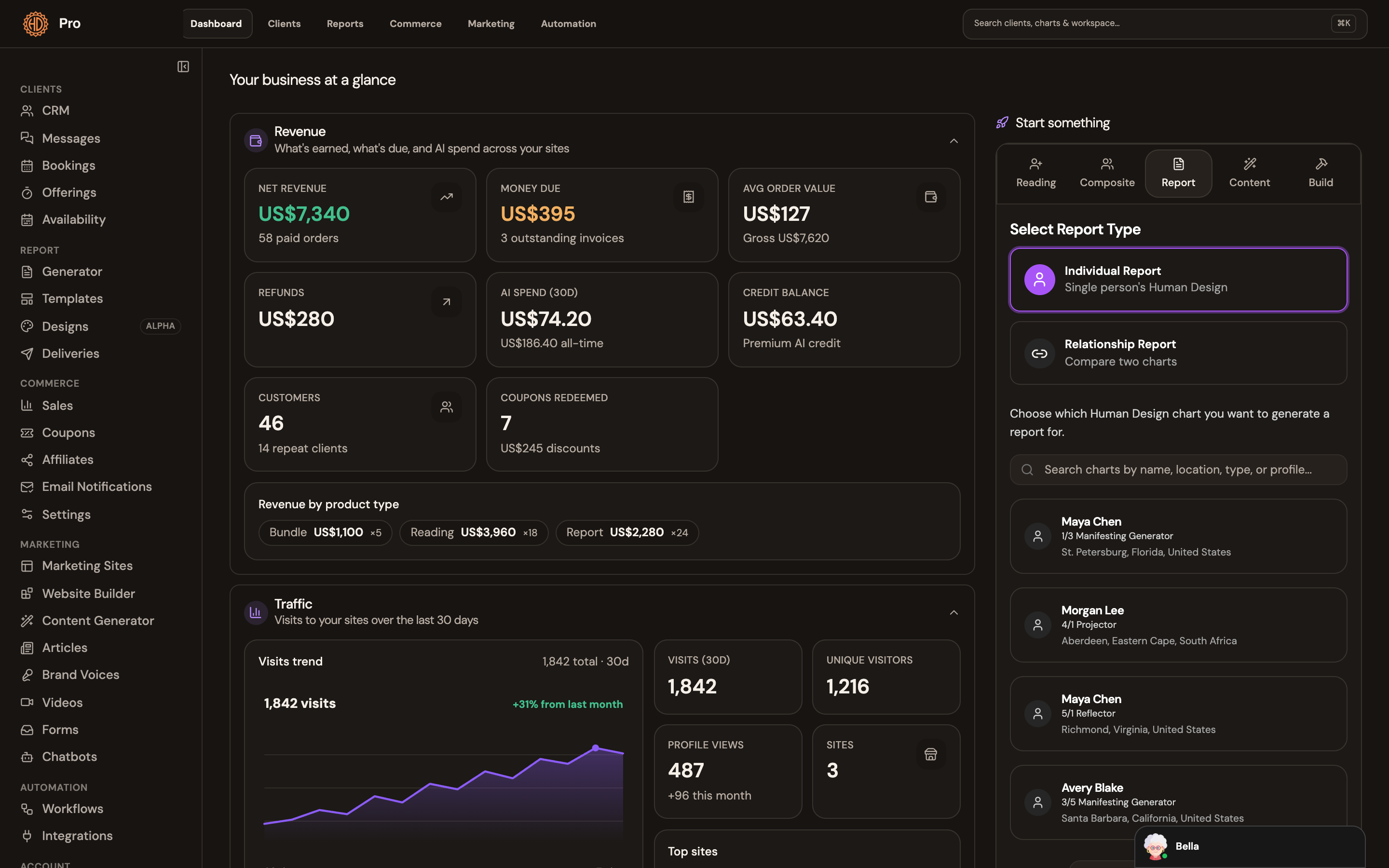
Keep the next booking, sale and client context visible in the same professional system.
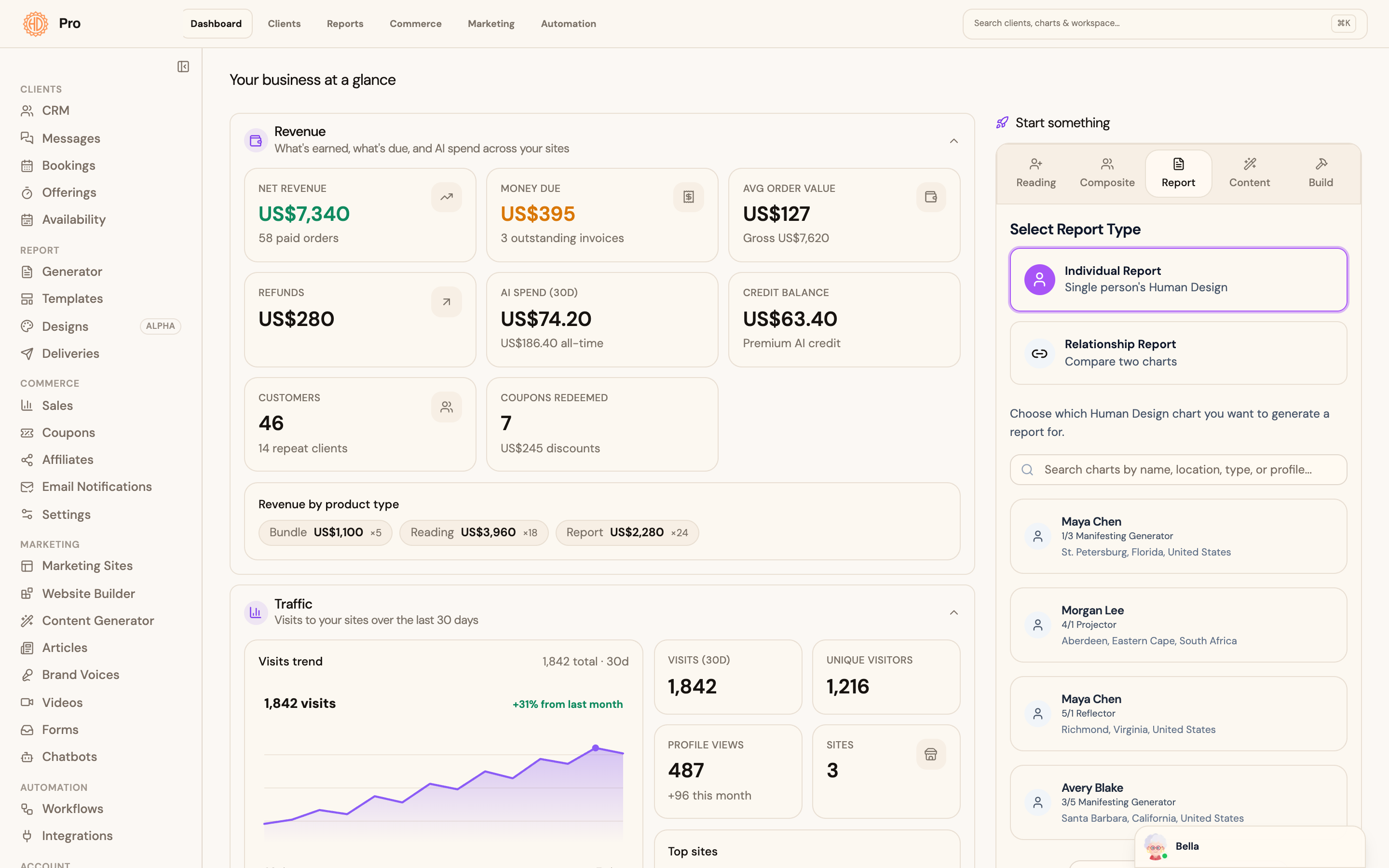
  • Practice and client activity in one view
  • Bookings, offerings, and sales connected
  • Return to the right context for follow-up
Open the dedicated feature page
Pro Business Hub showing illustrative practice activity and quick-start workflows
Business Hub · illustrative demo workspacePowered by HumanDesign.ai

The boundary that matters

Assistance handles the first pass. You own the professional decision.

Pro helps organize context, explore questions, and draft material. You remain responsible for consent, accuracy, ethical use, interpretation, and every client-facing deliverable.

Client data

Collect and handle birth data with appropriate permission and safeguards.

Interpretation

Check Bella responses and report drafts against your training and methodology.

Delivery

Edit and approve the final material before it reaches a client.

Ready for a real workflow?

Open a chart. Ask the question. Review the report.

Start 14-Day Trial